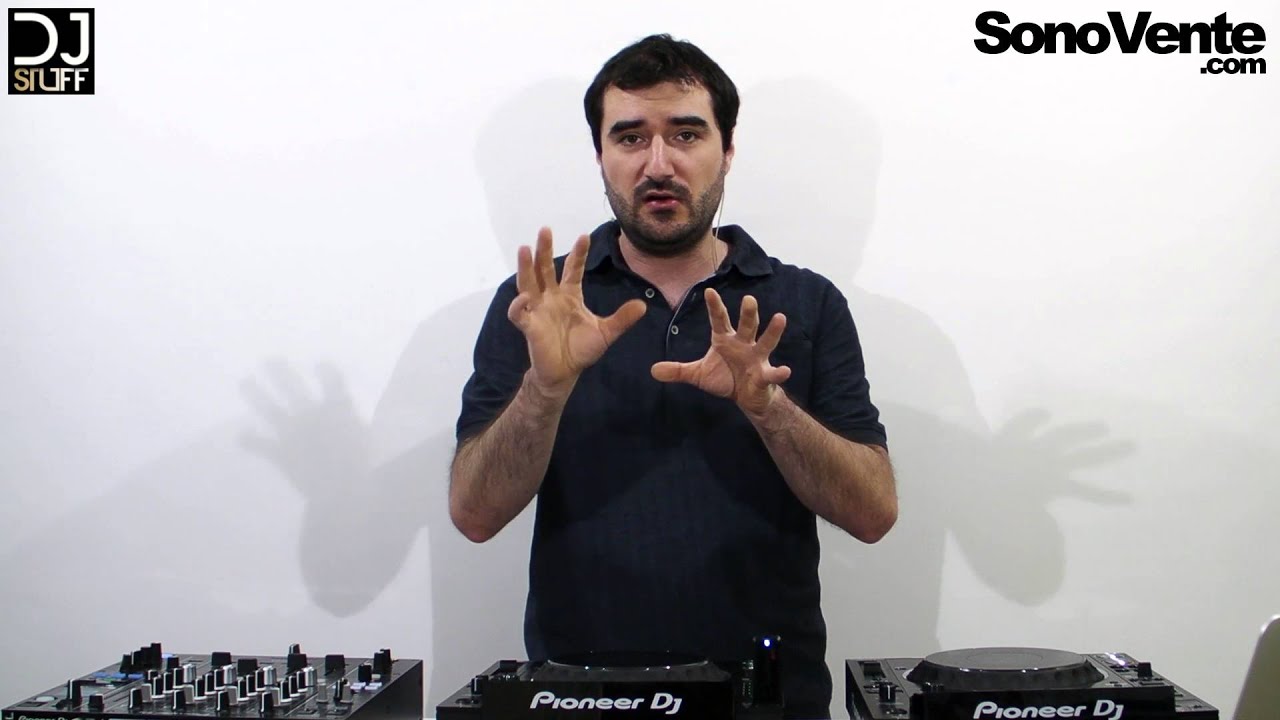
Le CDJ-2000NXS2 hérite de toutes les meilleures fonctions de son prédécesseur – le CDJ-2000NXS – et fait un pas de géant en avant. Nous avons ajouté un écran couleur tactile plus grand avec clavier Qwerty et filtres de recherche pour vous aider à sélectionner vos morceaux plus rapidement. 2 banques de 4 Hot Cues vous donnent plus de liberté créative, tandis qu’une carte son 96 kHz/24-bit et une prise en charge des formats FLAC/Apple Lossless Audio (ALAC) vous permettent de lire des fichiers de plus haute résolution. Téléchargez le logiciel de performance rekordbox™ ou l’appli rekordbox pour préparer vos sets.
Great site for renting sound and lighting equipment! I found everything I needed for a hassle-free event. Booking is easy, and there's a selection for all tastes and budgets. The equipment is in good condition and easy to set up, even for a non-professional.
Special mention for the customer service, which is helpful and friendly. I 100% recommend it for hassle-free event planning!
Clarius Bouvet
5
Top-notch service, unwavering professionalism, and a range of exceptionally high-quality equipment make VOLT Prestation a future leader in the industry. As a DJ, I've had the opportunity to work with Romain and his team on various events, both private and public (including bars and festivals), and it's always been a pleasure.
Thank you for the quality and passion you share with us!
Lisa Hinet
5
Great site for renting sound and lighting equipment! I found everything I needed for a hassle-free event. Booking is easy, and there's a selection for all tastes and budgets. The equipment is in good condition and easy to set up, even for a non-professional.
Special mention for the customer service, which is helpful and friendly. I 100% recommend it for hassle-free event planning!
Clarius Bouvet
5
Top-notch service, unwavering professionalism, and a range of exceptionally high-quality equipment make VOLT Prestation a future leader in the industry. As a DJ, I've had the opportunity to work with Romain and his team on various events, both private and public (including bars and festivals), and it's always been a pleasure.
Thank you for the quality and passion you share with us!
Alexis Dupont
5
I have absolutely no complaints about the quality of service Romain provided. He is attentive, meticulous, and highly professional. A very promising young man! He exceeded my expectations. It was a truly exceptional evening, and I recommend Romain 100%.
Booking equipment online on our site is a piece of cake! Here's how to do it:
1. From the home page of our website, you have two options to start booking: click on the "Book" button or select the equipment you're interested in directly.
2. Next, you'll need to select the period during which you'd like to rent the equipment.
3. A list of available equipment for the selected period will appear. Browse the list and choose the equipment that best suits your needs.
4. Add the equipment you want to book to your basket. You can add as much equipment as you want.
5. Once you have everything you need, go to your basket and confirm the equipment and rental duration.
6. You'll then be asked to provide certain information, such as your contact details and any other details required for the rental.
7. Finally, you can confirm your booking. Once it has been confirmed, you'll be notified via a confirmation e-mail.
When can I pick up the equipment I've booked?
As soon as you've completed your online booking, your equipment is reserved and ready to be collected at the date and time you chose at the time of booking.
We recommend early arrival to allow time to both check the equipment and ask any necessary questions. If you need to collect the equipment earlier or later than expected, please contact us directly to check availability, and we'll do our very best to accommodate your request.
Please note that for reasons of availability and stock management, it is important to respect the dates and times for equipment collection and return you indicated at the time of booking.
What delivery options are available?
We provide our customers with the option of picking up their equipment in-store or opting for delivery. When making your booking, you can choose the option that suits you best. Delivery charges are based on the distance between our store and the delivery address you provide. See the price list below for details.
Le CDJ-2000NXS2 hérite de toutes les meilleures fonctions de son prédécesseur – le CDJ-2000NXS – et fait un pas de géant en avant. Nous avons ajouté un écran couleur tactile plus grand avec clavier Qwerty et filtres de recherche pour vous aider à sélectionner vos morceaux plus rapidement. 2 banques de 4 Hot Cues vous donnent plus de liberté créative, tandis qu’une carte son 96 kHz/24-bit et une prise en charge des formats FLAC/Apple Lossless Audio (ALAC) vous permettent de lire des fichiers de plus haute résolution. Téléchargez le logiciel de performance rekordbox™ ou l’appli rekordbox pour préparer vos sets.
Other rental points
VOLT Prestations LE TEILLEUL15 Rue Saint-Patrice, Le Teilleul, France
VOLT Prestations AVRANCHES2 Rue du Pont Gilbert, Avranches, France
Customer reviews
5 (3 reviews)
Lisa Hinet
5
Great site for renting sound and lighting equipment! I found everything I needed for a hassle-free event. Booking is easy, and there's a selection for all tastes and budgets. The equipment is in good condition and easy to set up, even for a non-professional.
Special mention for the customer service, which is helpful and friendly. I 100% recommend it for hassle-free event planning!
Clarius Bouvet
5
Top-notch service, unwavering professionalism, and a range of exceptionally high-quality equipment make VOLT Prestation a future leader in the industry. As a DJ, I've had the opportunity to work with Romain and his team on various events, both private and public (including bars and festivals), and it's always been a pleasure.
Thank you for the quality and passion you share with us!
Lisa Hinet
5
Great site for renting sound and lighting equipment! I found everything I needed for a hassle-free event. Booking is easy, and there's a selection for all tastes and budgets. The equipment is in good condition and easy to set up, even for a non-professional.
Special mention for the customer service, which is helpful and friendly. I 100% recommend it for hassle-free event planning!
Clarius Bouvet
5
Top-notch service, unwavering professionalism, and a range of exceptionally high-quality equipment make VOLT Prestation a future leader in the industry. As a DJ, I've had the opportunity to work with Romain and his team on various events, both private and public (including bars and festivals), and it's always been a pleasure.
Thank you for the quality and passion you share with us!
Alexis Dupont
5
I have absolutely no complaints about the quality of service Romain provided. He is attentive, meticulous, and highly professional. A very promising young man! He exceeded my expectations. It was a truly exceptional evening, and I recommend Romain 100%.
Great site for renting sound and lighting equipment! I found everything I needed for a hassle-free event. Booking is easy, and there's a selection for all tastes and budgets. The equipment is in good condition and easy to set up, even for a non-professional.
Special mention for the customer service, which is helpful and friendly. I 100% recommend it for hassle-free event planning!
Top-notch service, unwavering professionalism, and a range of exceptionally high-quality equipment make VOLT Prestation a future leader in the industry. As a DJ, I've had the opportunity to work with Romain and his team on various events, both private and public (including bars and festivals), and it's always been a pleasure.
Thank you for the quality and passion you share with us!
Great site for renting sound and lighting equipment! I found everything I needed for a hassle-free event. Booking is easy, and there's a selection for all tastes and budgets. The equipment is in good condition and easy to set up, even for a non-professional.
Special mention for the customer service, which is helpful and friendly. I 100% recommend it for hassle-free event planning!
Top-notch service, unwavering professionalism, and a range of exceptionally high-quality equipment make VOLT Prestation a future leader in the industry. As a DJ, I've had the opportunity to work with Romain and his team on various events, both private and public (including bars and festivals), and it's always been a pleasure.
Thank you for the quality and passion you share with us!
I have absolutely no complaints about the quality of service Romain provided. He is attentive, meticulous, and highly professional. A very promising young man! He exceeded my expectations. It was a truly exceptional evening, and I recommend Romain 100%.
Great site for renting sound and lighting equipment! I found everything I needed for a hassle-free event. Booking is easy, and there's a selection for all tastes and budgets. The equipment is in good condition and easy to set up, even for a non-professional.
Special mention for the customer service, which is helpful and friendly. I 100% recommend it for hassle-free event planning!
Top-notch service, unwavering professionalism, and a range of exceptionally high-quality equipment make VOLT Prestation a future leader in the industry. As a DJ, I've had the opportunity to work with Romain and his team on various events, both private and public (including bars and festivals), and it's always been a pleasure.
Thank you for the quality and passion you share with us!
Great site for renting sound and lighting equipment! I found everything I needed for a hassle-free event. Booking is easy, and there's a selection for all tastes and budgets. The equipment is in good condition and easy to set up, even for a non-professional.
Special mention for the customer service, which is helpful and friendly. I 100% recommend it for hassle-free event planning!
Top-notch service, unwavering professionalism, and a range of exceptionally high-quality equipment make VOLT Prestation a future leader in the industry. As a DJ, I've had the opportunity to work with Romain and his team on various events, both private and public (including bars and festivals), and it's always been a pleasure.
Thank you for the quality and passion you share with us!
I have absolutely no complaints about the quality of service Romain provided. He is attentive, meticulous, and highly professional. A very promising young man! He exceeded my expectations. It was a truly exceptional evening, and I recommend Romain 100%.




 Lisa Hinet
 Clarius Bouvet


