SONY ZV-E10 II-0
SONY ZV-E10 II-1

SONY ZV-E10 II

Photography
Free cancellation

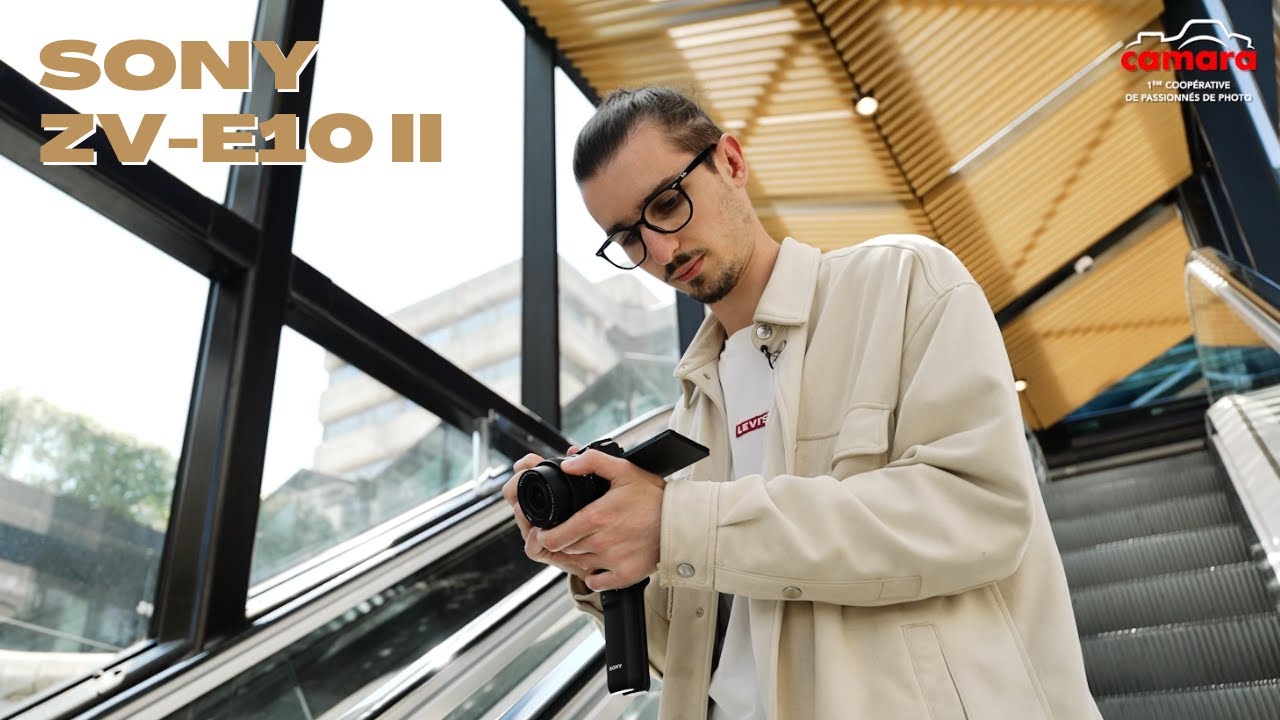
Ce nouveau Sony ZV-E10 II au capteur de 26 mégapixels, vous permettra de laisser libre cours à votre créativité ! Il intègre des fonctionnalités vidéo avancées uniques dans un boîtier aussi compact et simple à utiliser. Enregistrez en qualité cinéma en 4K jusqu'à 60 images/s et obtenez un rendu parfait directement depuis votre appareil avec les réglages Cinematic Vlog ou en post-production avec la possibilité d'enregistrer en S-Log 3 4:2:2 10 bits. Enregistrez des sons en réduisant les bruits non importants grâce au micro directionnel intégré ou à l'ensemble des micros digitaux multi-directionnels autoalimentés via le "MI Shoe" de Sony compatibles. Équipé du système de mise au point AF de Sony capable de suivre votre sujet et des fonctions vlog permettant de produire un contenu haute qualité, le Sony ZV-E10 II permet d'exprimer une créativité sans limite, et cela peu importe votre niveau de base. Cet appareil photo hybride Sony va devenir votre compagnon préféré pour capturer des vidéos et des photos exceptionnelles pendant vos aventures créatives et les productions vidéos professionnelles !

Included

Free cancellationUp to 48 hours before booking
Secure payment100% secure

Videos

Opening hours

Monday
Closed
Tuesday
09:30 - 12:3014:00 - 19:00
Wednesday
09:30 - 12:3014:00 - 19:00
Thursday
09:30 - 12:3014:00 - 19:00
Friday
09:30 - 12:3014:00 - 19:00
Saturday
09:30 - 12:3014:00 - 19:00
Sunday
Closed

Frequently Asked Questions

How do I book equipment online?+-
Booking equipment online on our site is a piece of cake! Here's how to do it: 1. From the home page of our website, you have two options to start booking: click on the "Book" button or select the equipment you're interested in directly. 2. Next, you'll need to select the period during which you'd like to rent the equipment. 3. A list of available equipment for the selected period will appear. Browse the list and choose the equipment that best suits your needs. 4. Add the equipment you want to book to your basket. You can add as much equipment as you want. 5. Once you have everything you need, go to your basket and confirm the equipment and rental duration. 6. You'll then be asked to provide certain information, such as your contact details and any other details required for the rental. 7. Finally, you can confirm your booking. Once it has been confirmed, you'll be notified via a confirmation e-mail.
When can I pick up the equipment I've booked?+-
As soon as you've completed your online booking, your equipment is reserved and ready to be collected at the date and time you chose at the time of booking. We recommend early arrival to allow time to both check the equipment and ask any necessary questions. If you need to collect the equipment earlier or later than expected, please contact us directly to check availability, and we'll do our very best to accommodate your request. Please note that for reasons of availability and stock management, it is important to respect the dates and times for equipment collection and return you indicated at the time of booking.
What delivery options are available?+-
We do not currently offer delivery. All equipment booked through our online store must be collected directly from our store. You can select your preferred pick-up date and time when making your booking.

General information

From €25
Or
From €25
Or