Back
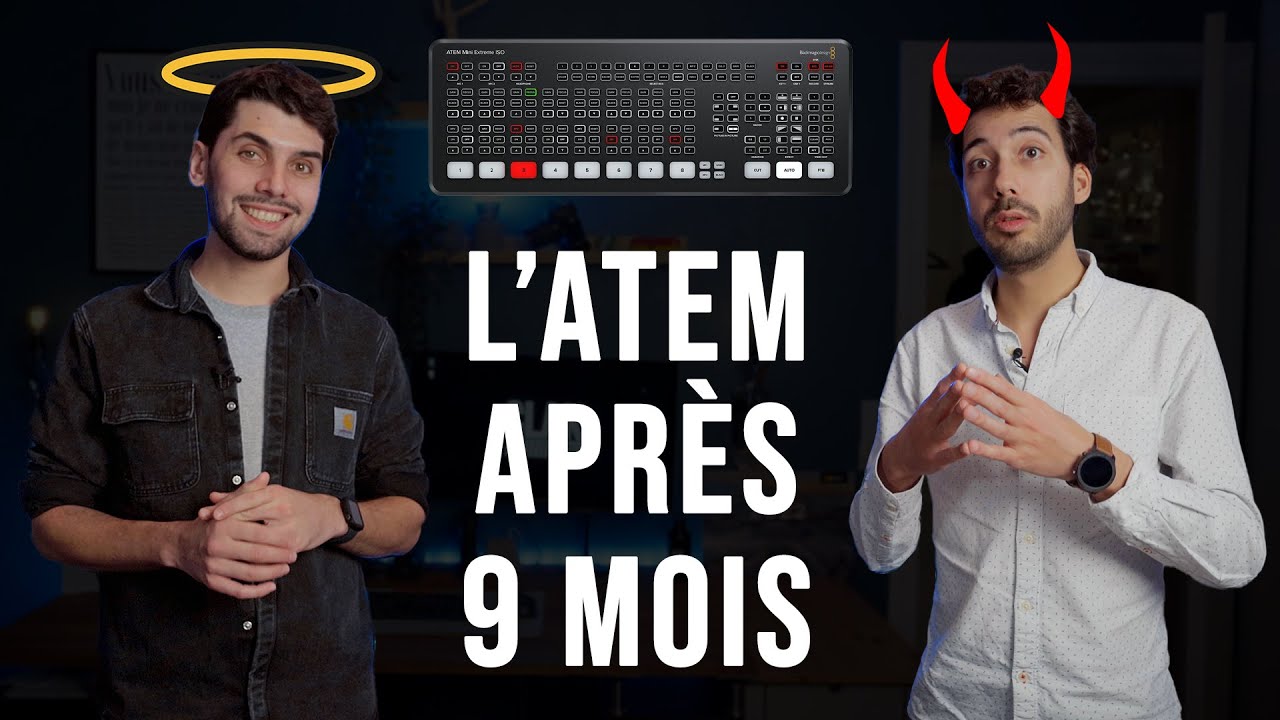
ATEM EXTREME ISO BLACK MAGIC

ATEM EXTREME ISO BLACK MAGIC

Régie vidéo HDMI 8 entrées + enregistrements de 9 flux

Les +

  • 8 entrées 3G-SDI
  • Échantillonnage vidéo : 4:2:2 YUV 10 bits
  • Streaming direct
  • Enregistrement 8 In 1 Out SDI
  • Monitoring Multi View

L’ATEM SDI Extreme ISO est rapide à installer et facile d’utilisation. Il comprend 4 entrées SDI avec conversion de normes, une sortie webcam USB, 2 sorties SDI, un mixeur audio Fairlight avec EQ et dynamique, un DVE pour les effets d’image dans l’image, des transitions, un incrustateur chromatique sur fond vert, une bibliothèque de médias de 20 images fixes pour les titres et le logiciel ATEM Software Control gratuit.. Ce modèle comprend les fonctions de l’ATEM SDI, plus le streaming intégré et l’enregistrement de 5 streams vidéo en temps réel ! Cela représente un clean feed de toutes les entrées pour le montage multicaméra. Un projet DaVinci Resolve est également enregistré pour vous permettre de monter, de remixer l’audio et d’effectuer la correction colorimétrique. Ce modèle inclut toutes les fonctions de l’ATEM SDI Pro ISO, mais est doté de 8 entrées SDI et de 4 sorties SDI. De plus, il peut enregistrer 9 streams vidéo H.264 indépendants en temps réel, vous permettant de capturer 8 entrées clean feed ainsi que la vidéo du programme. Un fichier projet DaVinci Resolve est également sauvegardé.

Complementary products

Other products from this rental shop

View all catalog

Product location

Map switch

Frequently Asked Questions

How do I book equipment online?+-
Booking equipment online on our site is a piece of cake! Here's how to do it: 1. From the home page of our website, you have two options to start booking: click on the "Book" button or select the equipment you're interested in directly. 2. Next, you'll need to select the period during which you'd like to rent the equipment. 3. A list of available equipment for the selected period will appear. Browse the list and choose the equipment that best suits your needs. 4. Add the equipment you want to book to your basket. You can add as much equipment as you want. 5. Once you have everything you need, go to your basket and confirm the equipment and rental duration. 6. You'll then be asked to provide certain information, such as your contact details and any other details required for the rental. 7. Finally, you can confirm your booking. Once it has been confirmed, you'll be notified via a confirmation e-mail.
When can I pick up the equipment I've booked?+-
As soon as you've completed your online booking, your equipment is reserved and ready to be collected at the date and time you chose at the time of booking. We recommend early arrival to allow time to both check the equipment and ask any necessary questions. If you need to collect the equipment earlier or later than expected, please contact us directly to check availability, and we'll do our very best to accommodate your request. Please note that for reasons of availability and stock management, it is important to respect the dates and times for equipment collection and return you indicated at the time of booking.
What delivery options are available?+-
We do not currently offer delivery. All equipment booked through our online store must be collected directly from our store. You can select your preferred pick-up date and time when making your booking.
Starting from
€0.00
Or
visamastercardapplepaygooglepayamex
Starting from
€0.00